
Choosing the right WordPress Black Friday plugin can make your campaign easier to plan, launch, and manage. During Black Friday, customers expect limited-time offers, clear discounts, free gifts, coupon codes, product bundles, countdowns, and a smooth shopping experience.
But a successful campaign needs more than one discount banner. You may need different WordPress plugins for Black Friday to manage product prices, coupons, free gifts, landing pages, email capture, analytics, and checkout optimization. Using the right tools helps you prepare faster and avoid last-minute campaign problems.
In this listicle, we’ll review useful WordPress plugin Black Friday options for online stores and WooCommerce websites. You’ll learn which types of plugins can help with campaign setup, promotion management, product updates, coupon control, gift offers, and sales tracking during the busiest shopping season of the year.
This strategy can be valuable, but it is only one piece of the puzzle. For a complete view before preparing Black Friday campaigns, read WooCommerce promotional gift methods.
Why is Black Friday important for online businesses?
Black Friday is held every year on the last Friday of November, just after Thanksgiving around the world. Contrary to its name, Black Friday is a golden day for shopping and a double profit for buyers and sellers or business owners.
On this day, stores and brands, especially WooCommerce and online sales websites, try to offer discounts that sell more. Trying to attract customers by offering better services and products in online stores using the WordPress plugin for black Friday makes it easier and faster for businesses to get ready for this day.
In the United States, this day is about a month before the start of the New Year, and people are very eager to buy and provide the items they need at auctions; So, online businesses can easily attract their potential customers.
In recent years, with the advent of the corona, more businesses are still operating online, and Black Friday has become increasingly important.
For this reason, it is very important that you, as an online business owner, attract targeted customers and encourage them to buy from your shop by creating targeted advertising campaigns and valuable discounts.
The last Friday in November 2021 is November 26, which is the best time to decide and plan what you need to do in the process.
Remember that what guarantees your success in running this campaign is the planning and actions you have already done. If you still do not know what to do for this day, do not miss the rest of the article.
1) Set a goal (target) for your campaign
Do not start the Black Friday campaign just because others do it, but prepare yourself for the day by setting goals and using the right tools like the Best WordPress plugin for the black Friday campaign. Then take the time to think about what you really want to achieve. As an online business owner, you may have the following goals:
1. Attract new customers
2. Retain current customers
3. Increase the value of the cus
4. Build your brand awareness
5. Increase email marketing list to collect leads
Always remember one general rule:
The goal you choose should be SMART.
S = specific
M = measurable
A = achievable
R = results-focused
T = time-bound
2) Define your proposed audience
A Black Friday campaign can be more effective when it focuses on a specific audience. So, the key is to do a lot of research to get to know your target market and understand your audience.
Then make sure you target the right audience in the ads and discounts you create with the Best WordPress plugin for the black Friday campaign.
If you categorize your customers based on factors such as gender, location, personality, and shopping history, you can better target them.
3) Use the best Black Friday plugins to make an attractive and compelling offer
On Black Friday, your audience will come to your shop for what they need. If you come up with something out of the ordinary, then they have to re-think their position.
Using the 5 plugins that we will introduce to you as the Best WordPress plugin for the black Friday campaign, you can easily highlight your store offers among your competitors.
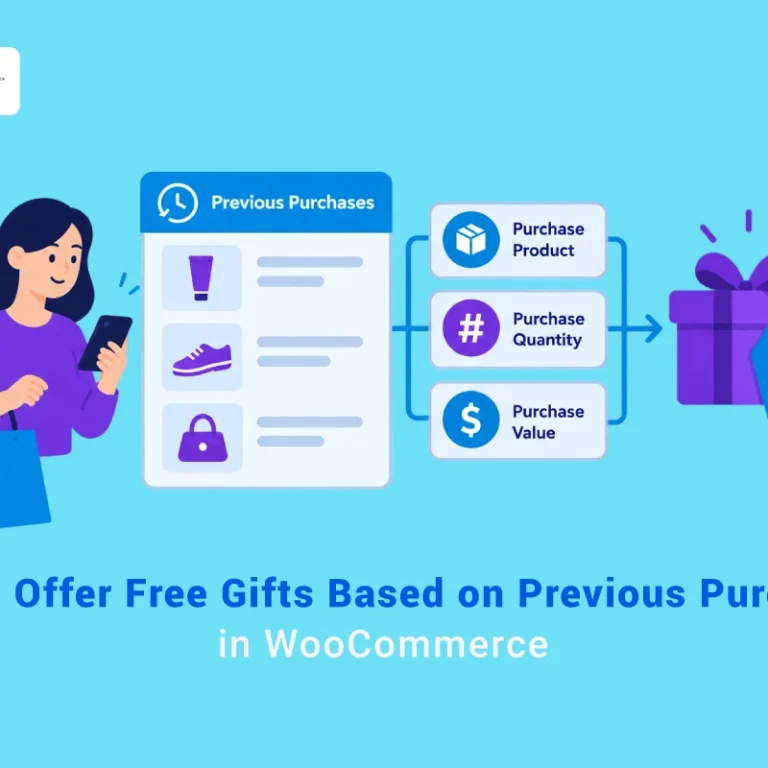
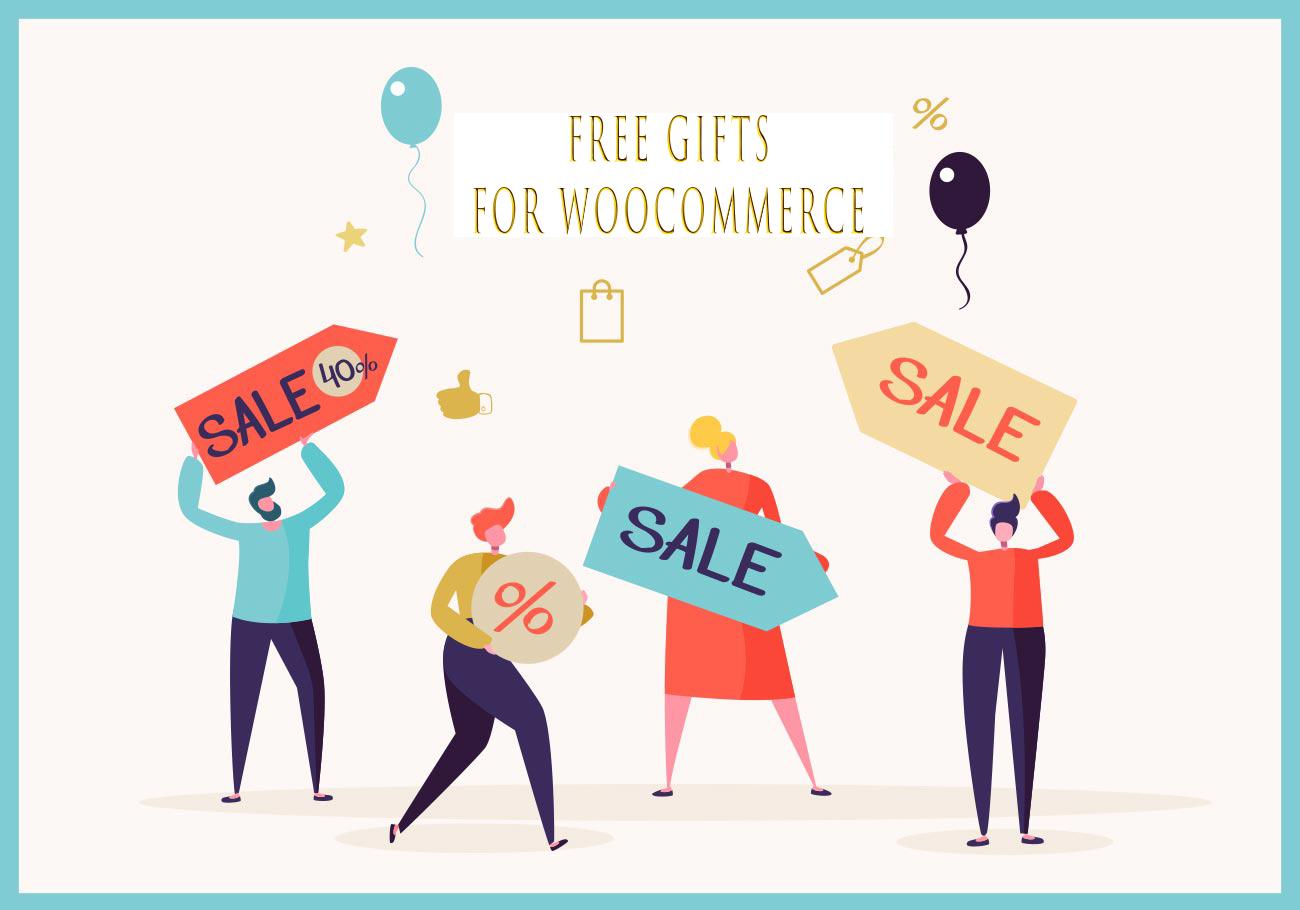
Offering free gifts would be a sensible option during black Friday or Cyber-Monday season. Free gifts for the WooCommerce plugin are ideal assistance to help you set up diverse promotions on your online shop. The primary advantage of using this plugin is flexible options for creating various gift rules for your products such as Bogo, “Buy x Get y”, or subtotal amount.
You can set up a lot of free gift offer strategies at different levels and let your customer enjoy purchasing from your store. You can make use of the analytics reports to make sure that your promotions satisfy your customers.
By using the Free gifts for WooCommerce plugin as one of the Best WordPress plugins for the black Friday campaign, you can simply create a simple adjustment rule to offer a free gift for all the products in your store. However, with the plugin, you can create a variety of interesting deals that will be more focused on your long-term strategies.
A few examples of free gift rules that you can try on your store by using this WordPress plugin for black Friday:
- Buy two units of Product A and B to get one for free
- Buy more than two items from Category A to get two items as free gift
- Purchase at least 100$ to get a free gift
- Buy two products from Category A and get product C for free
- Get a free gift for all purchases from a specific email ID
- A free gift for all first-time buyers
If offering a free gift is part of your marketing strategy, this is one of the best WordPress plugins for black Friday you can find at this time.
If you don’t want the complications of diverse price adjustment rules, and the hassles of product management in your online shop, you can use this WordPress plugin for black Friday to set up a sale price on multiple products simultaneously.
It is particularly useful if you have a large number of products in your store. This plugin can help you to bulk edit unlimited products at a time. And, with the tools and options available in this plugin, the process of filtering and bulk editing products is quite quick and flawless.
The most useful features of this WordPress plugin for black Friday
The WooCommerce Bulk product editing plugin has extensive filtering options to help you selectively update multiple product features including variations at the same time.
Moreover, if you want to offer Black Friday & Cyber Monday deals only on certain products, that can be done pretty easily with the filtering options. You can filter products before the bulk editing operation based on category, price, attribute value, and a lot of other parameters.
You can either edit the existing sale price or add a new sale price to your products based on their regular prices.
The WooCommerce Bulk product editing plugin can be used to bulk edit a lot of other aspects of your products including custom fields created by other plugins.
The plugin has an undo and history option that could prove really handy if you made a mistake.
If you prefer a simple configuration without the hassles of managing coupons or creating gift rules, this is the best way to set up a Black Friday and Cyber Monday sale price on your store.
This WordPress plugin for black Friday is a comprehensive solution to bulk edit and manage discount coupons on your WooCommerce shop. Although WooCommerce has a limited in-built option to create and manage discount coupons, this plugin enhances the way you can manage multiple coupons at once.
By using the WooCommerce bulk coupons editing plugin, you can plan for an efficient coupon strategy in your store and boost your sales on Black Friday and Cyber Monday.
The advantages of using this WordPress plugin for black Friday
Here is a look at the tools and options that would be extremely useful during a sales event available by activating this plugin on your WordPress website:
Bulk edit coupons
You will be able to create a large number of coupons at once. Moreover, you will be able to filter them based on categories, discounts, etc. then bulk edits their features. While offering coupons, you may need to edit a lot of features to make the offering discounts according to the taste of your customers. WooCommerce bulk coupon editing plugin provides you professional options for this as well.
Enhance your sale
Black Friday and Cyber Monday would warrant huge traffic on your WooCommerce shop. However, there is a solid challenge to enhance the conversion rate at this time. By getting help from the opportunity of time-sensitive discount coupons, you will be able to improve the conversion rate and boost your sales.
Helps in retaining customers
By using the WordPress plugin for black Friday, you will get a large number of new customers during this holiday season. If you are able to turn a percentage of these new customers into long-term customers, it would mean a lot to your marketing strategies. By offering a well-structured discount coupon, you can assure return customers to your store by making a memorable purchase experience for them.
- Black Friday / Cyber Monday Mode for WooCommerce
Black Friday / Cyber Monday Mode for WooCommerce is a great plugin for creating fast and successful promotional campaigns in your shop. Fresh and intuitive design combined with the multitude of features and tools makes this plugin the best choice to increase sales on Black Friday!
Some of the features of this WordPress plugin for blackfriday
- Set campaign timing options such as Starting and closing Date
- Customizing Header options including Logo, Header Background Color, etc.
- Tweaking body Styling by uploading Body Background Image, Set Body Background Color
- Using Products Grid Options to display products per Row, products Limit Per Category
- ELEX Role Based Pricing
ELEX Role Based Pricing plugin is a great way to set up dynamic pricing and discounts in your store. This WordPress plugin for black Friday is a great tool to create discounts with different product combinations or specific categories.
You can also create discounts at the cart level or individual product levels. If you thoroughly analyze your products, there would be great scope to boost the sales of certain slow-moving products during the sales season. In addition, you can enhance the sales numbers and increase your total revenue as well.
4) Think about your advertising strategy
Not all marketing channels and strategies are the same. Some channels may cost less but you can hardly attract your customers through them. Some other channels may cost a lot but may maximize your sales.
After creating your attractive offers with the Best WordPress plugin for the black Friday campaign, to find the best advertising channels in the Black Friday campaign, consider answering the following questions:
- On which operating systems, are most of your target customers?
- In what media do your customers spend more time and follow?
- Which marketing metric helps you measure your success?
- What activities and campaigns did you run last year, which one was successful? And which one did not perform well?
- What is your current marketing process?
For the success of marketing campaigns and advertisements, as well as informing your audience about the discounts and gifts you have created with the WordPress plugin for black Friday, you have a wide range of options that you can choose from, including email marketing, advertising Banner or similar, Influencer Marketing

5) Create a sense of urgency
You can attract your potential customers in a limited time by offering an attractive offer created by the WordPress plugin for black Friday. Creating a countdown timer on the home page, a good product page, or a pop-up on the main page can help you in this way. Remind buyers that there is a short time left until the end of your offer. Redirect them to your landing page to reach a wider audience.
You can also use these words and phrases to create urgency without pressure:
- Time: Last minute, you only have N hours until the end of today offer
- Speed: Now, hurry up, there is no time left
- Fear of losing the opportunity: Soon prices will rise, this opportunity will be lost, the final sale
Conclusion
The best WordPress Black Friday plugin depends on the campaign you want to run. If your goal is to offer direct discounts, you may need a coupon or product price editing plugin. If you want to increase perceived value, a free gift plugin can be more effective. If you need campaign tracking, reporting and analytics tools are essential.
Black Friday campaigns work best when your tools are connected to a clear plan. Decide your offer, choose the right products, prepare your discount or gift rules, test the checkout process, and make sure your campaign messages are visible across your website.
Instead of installing too many WordPress plugins for Black Friday, focus on the tools that solve real campaign needs. A small set of reliable plugins can help you manage offers, reduce manual work, avoid errors, and create a smoother buying experience during Black Friday and Cyber Monday.
The next step is to compare this method with the other formats available. read more here will help you evaluate the alternatives.
FAQ
1. What is a WordPress Black Friday plugin?
A WordPress Black Friday plugin is a tool that helps you create, manage, or improve Black Friday campaigns on a WordPress or WooCommerce website. It can support discounts, coupons, gifts, landing pages, banners, countdowns, or reports.
2. What are the best WordPress plugins for Black Friday?
The best WordPress plugins for Black Friday include tools for coupons, free gifts, bulk price editing, product tables, email marketing, landing pages, countdown timers, and reporting.
3. Do I need a plugin to run a Black Friday campaign?
You can run a simple campaign manually, but plugins make it easier to manage discounts, gifts, coupons, product updates, and campaign tracking, especially for WooCommerce stores with many products.
4. How do WordPress Black Friday plugins help WooCommerce stores?
They help store owners prepare offers faster, update product prices, create coupon rules, add gift promotions, display deals clearly, and measure campaign performance.
5. What features should I check before choosing a Black Friday plugin?
Check for ease of use, WooCommerce compatibility, scheduling options, discount rules, coupon controls, gift campaign options, reporting, support quality, and performance impact.
6. Can I use multiple WordPress plugins for Black Friday?
Yes, but avoid adding unnecessary plugins. Use only the tools that support your campaign goal and test them before the Black Friday sale starts.
7. When should I install Black Friday plugins?
Install and test your Black Friday plugins several weeks before the campaign. This gives you enough time to prepare offers, fix conflicts, and test the customer journey.
8. Are free WordPress Black Friday plugins enough?
Free plugins can work for simple campaigns, but premium plugins may be better when you need advanced rules, automation, better support, or more control over WooCommerce promotions.